
Iprog+ pro clone has been tested and confirmed working perfectly on Windows XP. good at airbag reset, dashboard odometer correction, and a lot of programming.
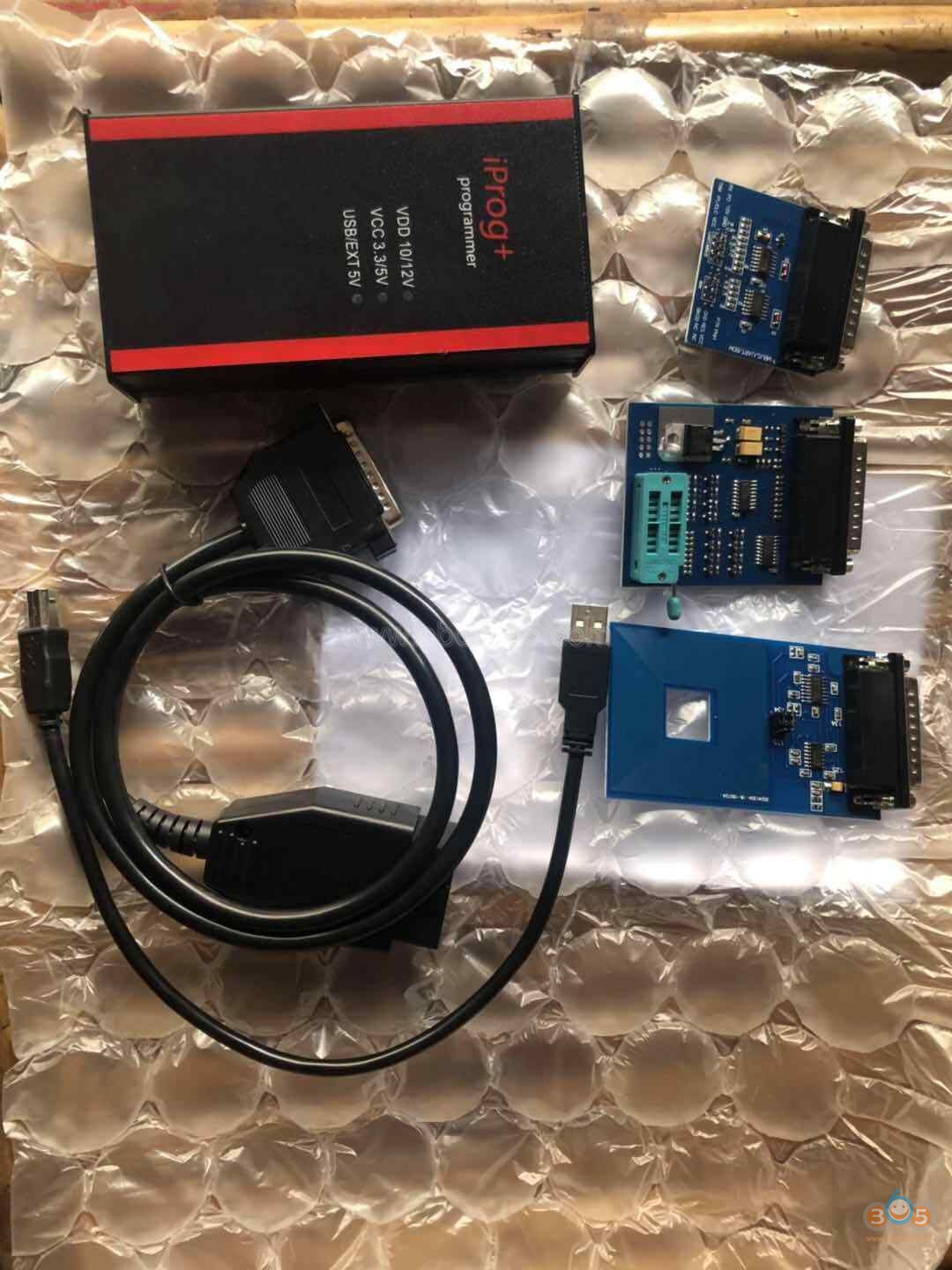
Here is iprog+ software installation instruction.
iprog operating system:
Windows xp: tested 100%
Windows vista
Windows 7
Windows 8
Windows vista
Windows 7
Windows 8
iprog pro price: around 500 usd (iprog clone)
iprog+ software download:
How to install iProg+ Pro software?
Open software CD,

Extract iProg+_FULL.zip to Disk C

Open iProg+_2018_00001 folder
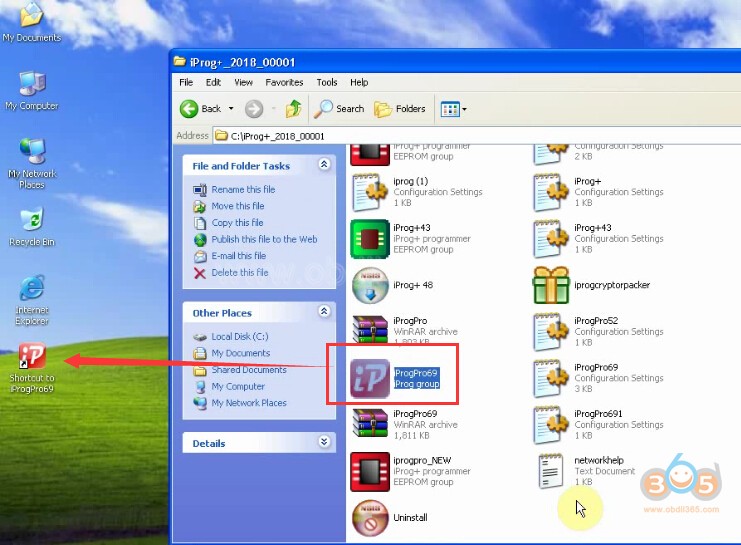
Copy and paste iProgPro69 software to desktop
Connect iProg+ interface with vehicle via OBD socket

System prompt to install diver
Select Install from a list or specific location (Advanced)
Select Install from a list or specific location (Advanced)
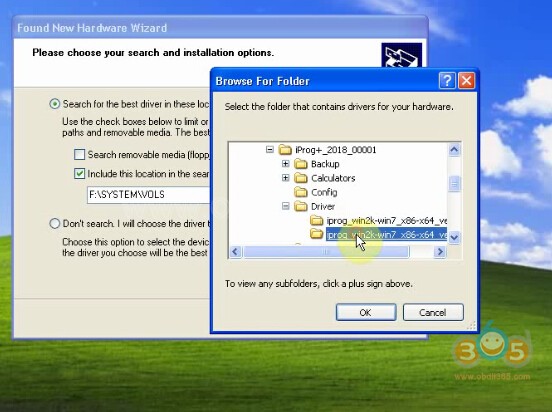
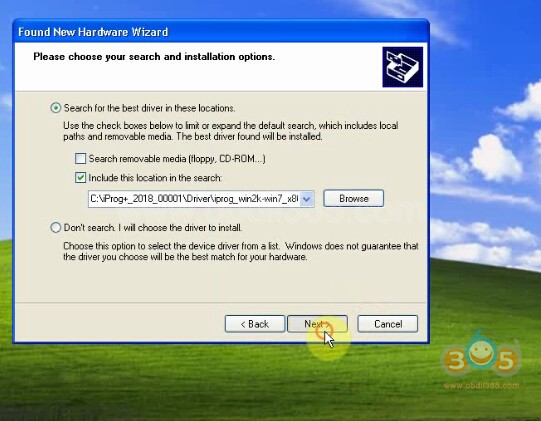
Save driver to C://iProg+_2018_00001/Diver/iprog-win2k-win7_x86-x64_version
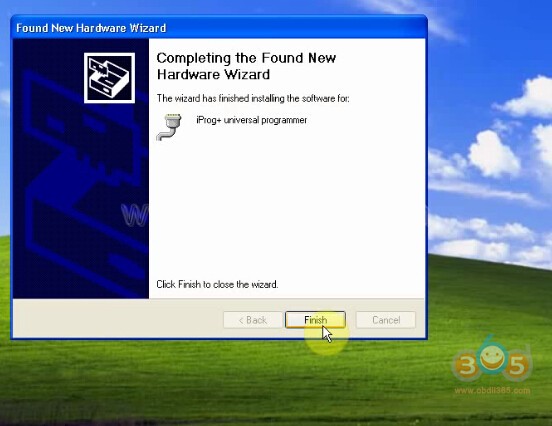
Finish installing driver
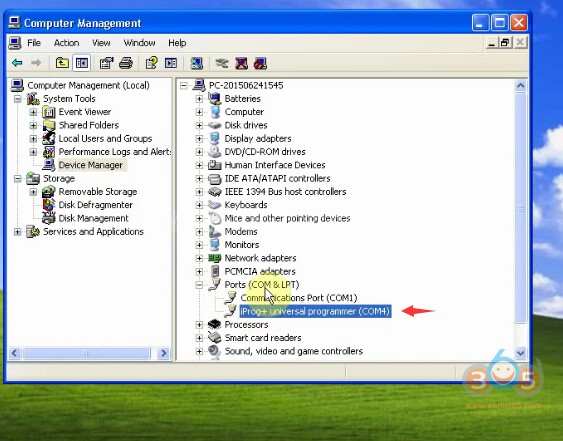
Go to Device Manager->Ports->iProg universal programmer (COM4)
Make sure device is well connected and COM Port is set to #4
Make sure device is well connected and COM Port is set to #4
Open iProgPro69 software on desktop


Go to Options->Language tab, you are allowed to change language between English and Russian
Now the software is ready to use.
Now the software is ready to use.
Adapters test options
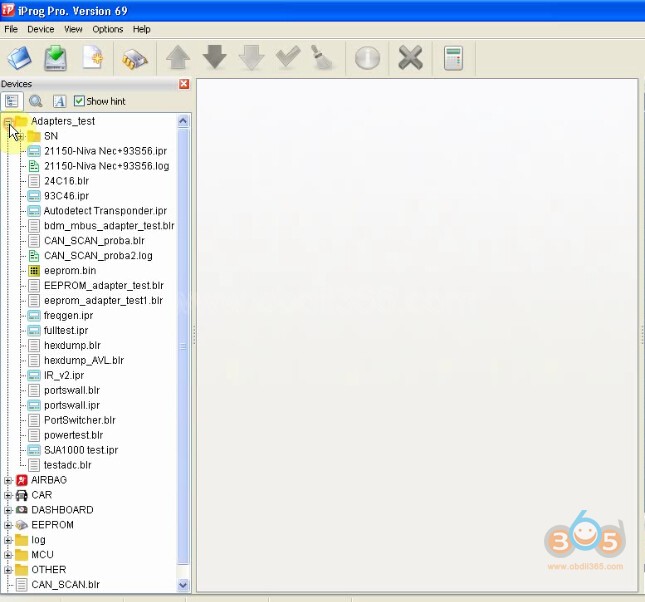
Airbag reset
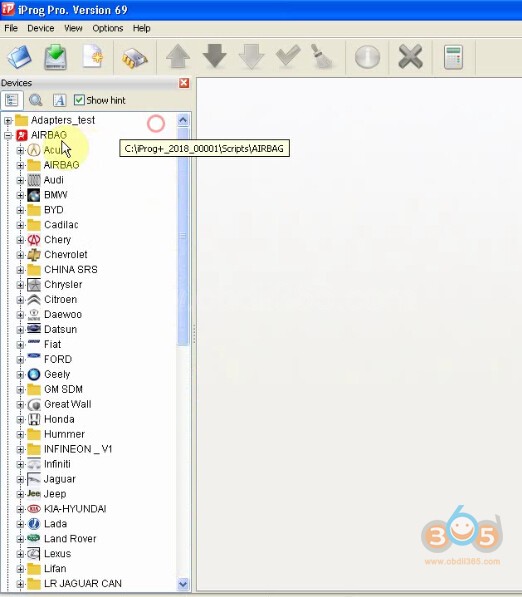
Car Key/IMMO/ECU/DPF etc
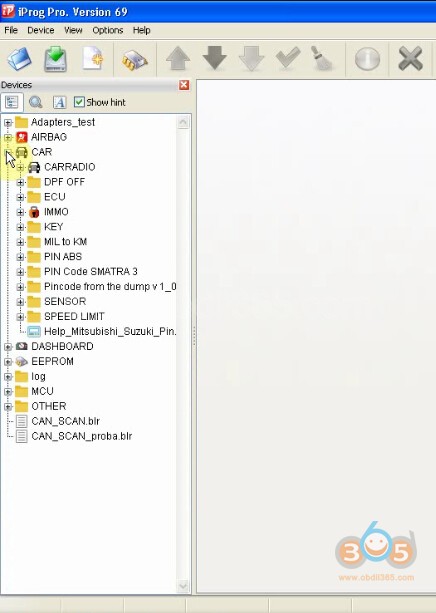
Dashboard

eeprom

Here’s the test demo:
iProg+ Pro reset odometer on Toyota RAV4 denso 93C46